Organization timezone
The organization timezone decides when a day starts and ends for everyone in your company. For example, with UTC, a day runs from midnight to midnight UTC. Open Settings → System → Common → General.
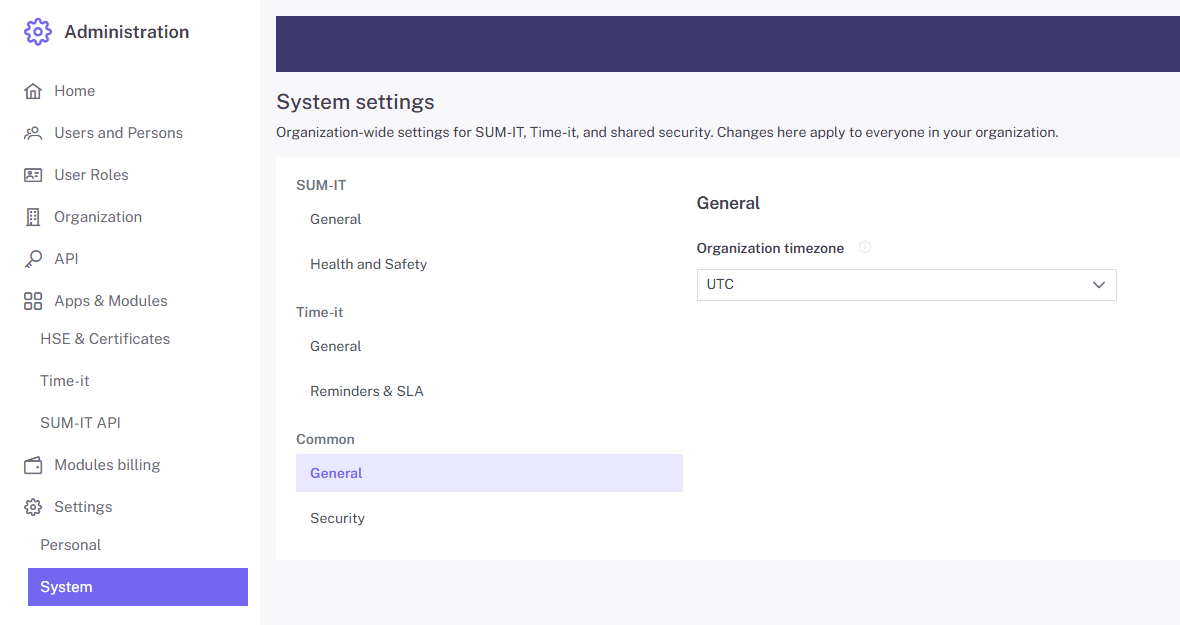
The help text under Organization timezone explains how the timezone is used. This timezone is used when the system decides the start and end of a day, and when the notification bell shows dates and times. Reminder and digest emails in Time-it use it as well (see Reminders and SLA).
Permissions
You need the System settings Edit permission to change the timezone. With the System settings View permission only, you can see the value but not change it.