System settings
Settings → System holds organization-wide settings. They are grouped by product area in the side navigation: SUM-IT, Time-it, and Common.
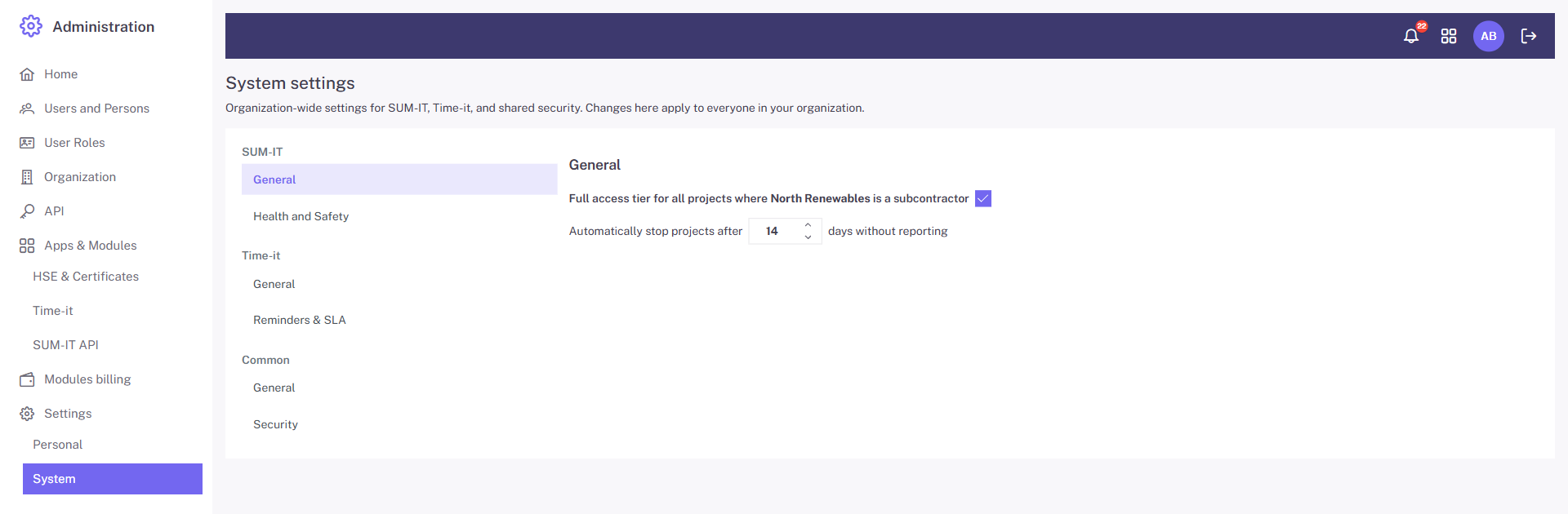
If you open Settings in the left menu, choose System settings to see organization-wide settings grouped by SUM-IT, Time-it, and Common. The picture above shows that System settings hub.
Sections
| Group | Section | What it controls | Guide page |
|---|---|---|---|
| SUM-IT | General | Full-access tier and related SUM-IT defaults | this page |
| SUM-IT | Health and Safety | Certificate near-expiry threshold (days) | this page |
| Common | General | Organization timezone | Organization timezone |
| Common | Security | Microsoft login, multi-factor authentication (MFA), lockout, and password rules | Security |
| Time-it | General | Approval period (day, week, or month) | Approval period |
| Time-it | Reminders & SLA | SLA days and reminder / digest times | Reminders and SLA |
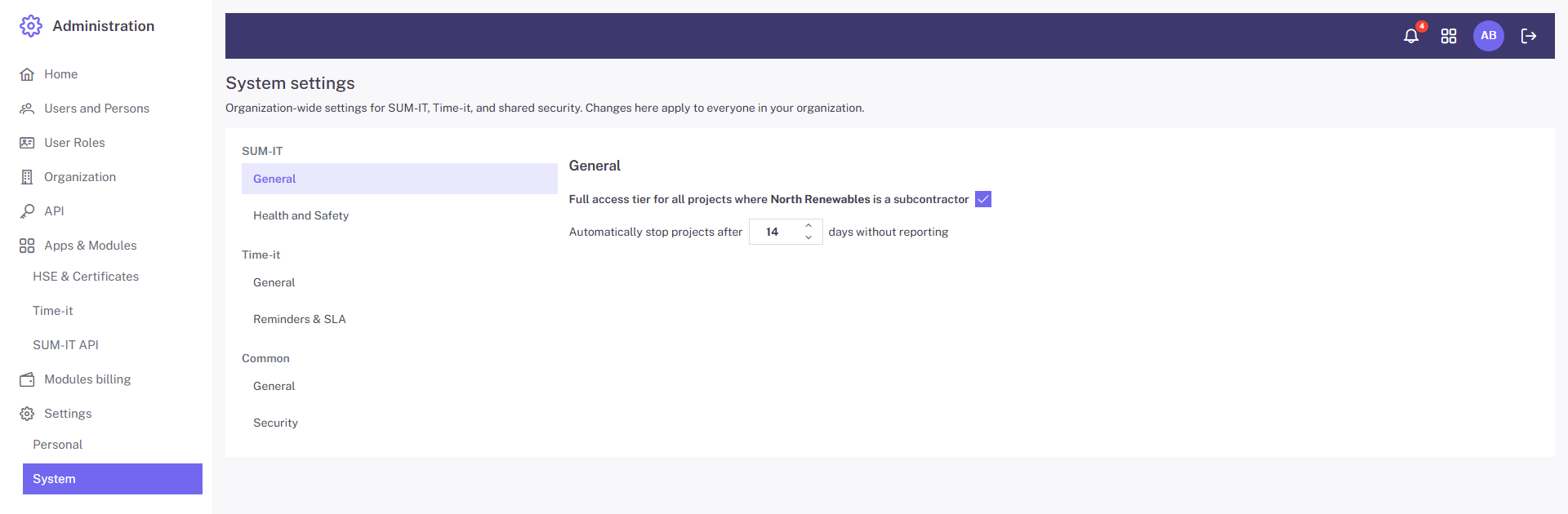
Under SUM-IT → General you may see Full access tier for all projects where [your organization] is a subcontractor and Automatically stop projects after [N] days without reporting, when those fields are available.
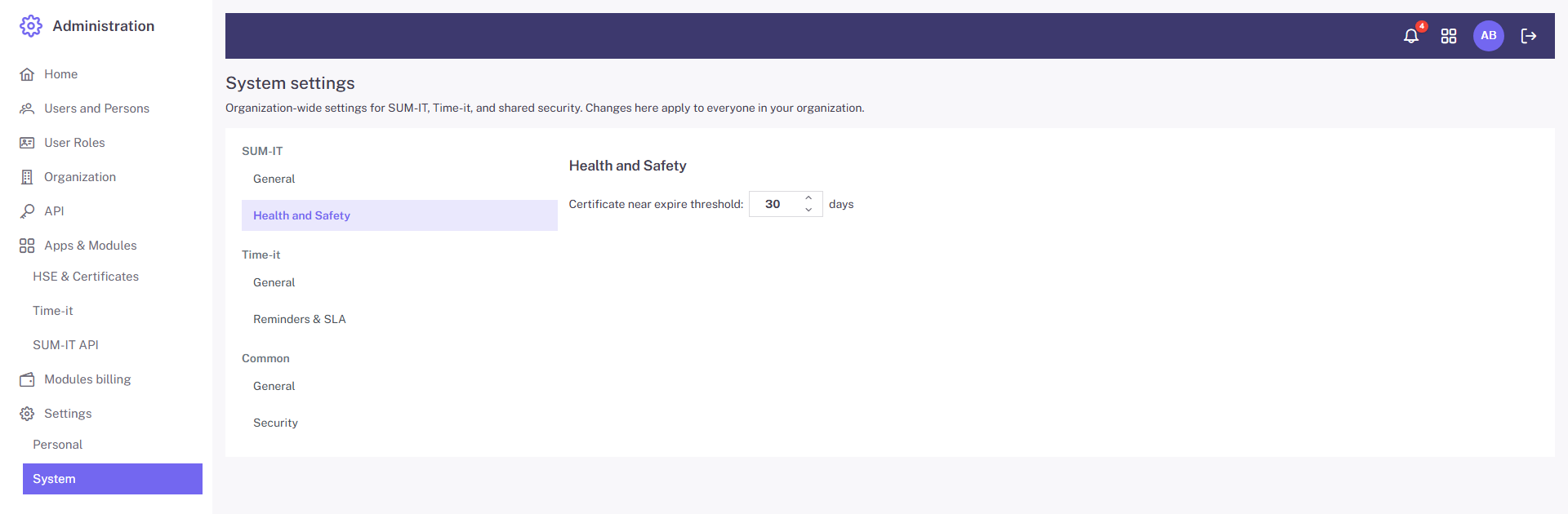
SUM-IT → Health and Safety sets the Certificate near expire threshold: how many days before a certificate expires it is treated as near expiry.
Permissions
You need the System settings View permission to open System. Changing values needs the System settings Edit permission. Without system settings access, Settings still opens your personal preferences only.