Reminders and SLA
Reminders & SLA are organization-wide settings for how long a submission may wait for a decision, and when reminder emails and in-app alerts run. An SLA (service level agreement) here is the number of days a submission may wait before it is considered overdue. Open Settings → System → Time-it → Reminders & SLA.
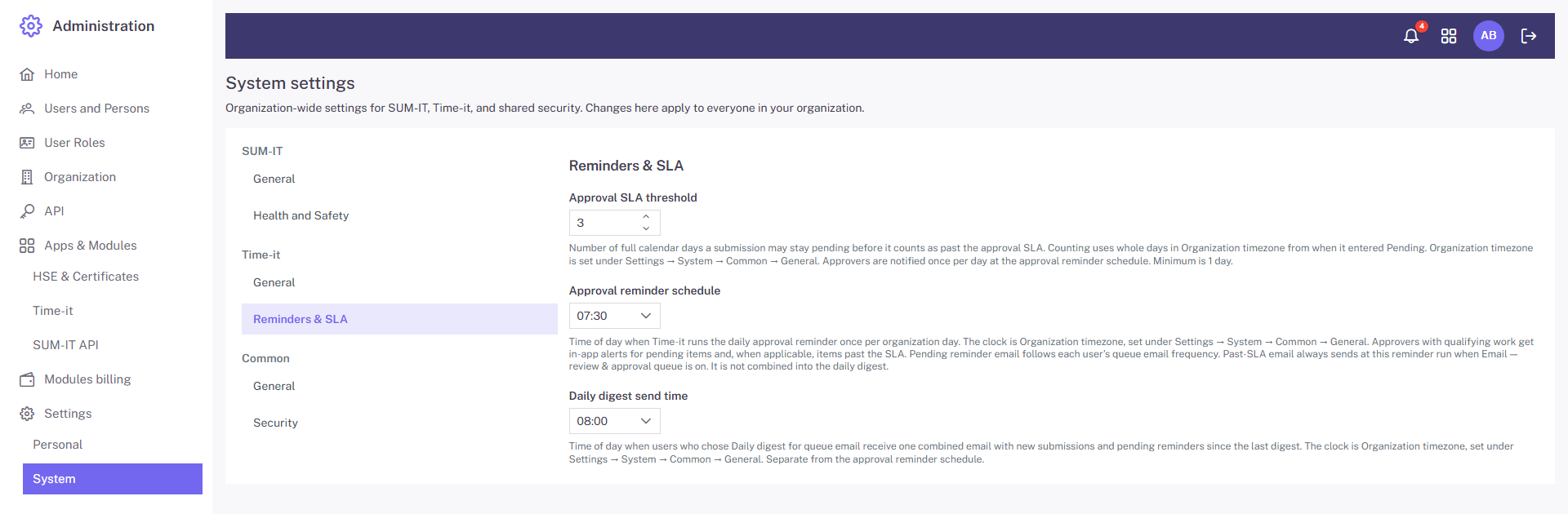
The three settings are Approval SLA threshold (how many days a submission may wait), Approval reminder schedule (the time of day reminder emails and alerts go out), and Daily digest send time (when Time-it sends one combined email of recent updates). Each person still chooses in their personal notifications whether they receive these emails.
Permissions
Changing these values needs the System settings Edit permission. Organization timezone is edited under Common → General, not on this panel.